
Strong Reasoning
Works through math, logic puzzles, and multi-part questions with clearer step-by-step answers.
Gemini 3 · Reasoning & Multimodal
Handle text, images, long documents, and multi-step tasks with Gemini 3. Open MidassAI Chat, pick a model tier, and start in seconds — nothing to download.
Four strengths that show up in daily work — not just on benchmark slides.
Works through math, logic puzzles, and multi-part questions with clearer step-by-step answers.
Send text, screenshots, charts, or photos in one thread and ask follow-ups without re-uploading.
Break big jobs into steps, call tools, and keep context while planning bookings, research, or workflows.
Generate, refactor, and debug code across files — useful for prototypes and production fixes alike.
No Install · Works in Browser
Same interface in 24 languages — open chat, paste a doc, or drop an image and ask your first question.
Learning, building, and planning in one place — pick the workflow that matches your day.
Summarize papers, turn notes into flashcards, and ask for explanations at your level.
Draft posts, storyboards, and slide outlines; iterate on tone without starting from scratch.
Feed reports or spreadsheets and get trends, risks, and plain-language summaries.
Scaffold apps, review pull requests, and fix errors with project context in the prompt.
Map projects, draft emails, and outline recurring tasks you want an assistant to handle.
Translate, localize, and compare nuance — handy for global teams and travel prep.
Public benchmark highlights — useful context before you run your own tests.
1501
LMArena Elo score
95%
AIME 2025 math benchmark
1M
Token context window
76.2%
SWE-bench Verified (coding)
An extended reasoning mode for problems that need more than a quick reply.
Deep Think spends extra compute on hard puzzles — research questions, tricky proofs, and architecture trade-offs. Scores on Humanity's Last Exam and GPQA Diamond jump noticeably versus default chat.
Stress-test hypotheses and compare methods before you commit lab time.
Step through proofs and competition-style problems with fewer hand-wavy jumps.
Weigh time/space trade-offs when a naive solution won't scale.
Quick answers before your first Gemini 3 session
Gemini 3 improves reasoning depth, instruction following, and agent reliability compared with Gemini 2.x — especially on long, multi-step prompts and multimodal inputs.
Click Start Chatting Now — MidassAI Chat opens in your locale. Type a question or upload a file; no separate app install.
Gemini handles 100+ languages. This site ships UI copy in 24 locales; chat quality varies by language but major ones are strong.
Use it when you need slower, deeper reasoning — research, hard code, or math. Everyday drafts are fine on the standard mode.
No. We publish independent guides and link you to MidassAI Chat. For Google's official product, visit gemini.google.com.

7 battle-tested Gemini 3.1 Pro prompt templates for long-document retrieval, logic stress testing, code architecture, video analysis, and deep research.
Gemini3 Team · July 18, 2026
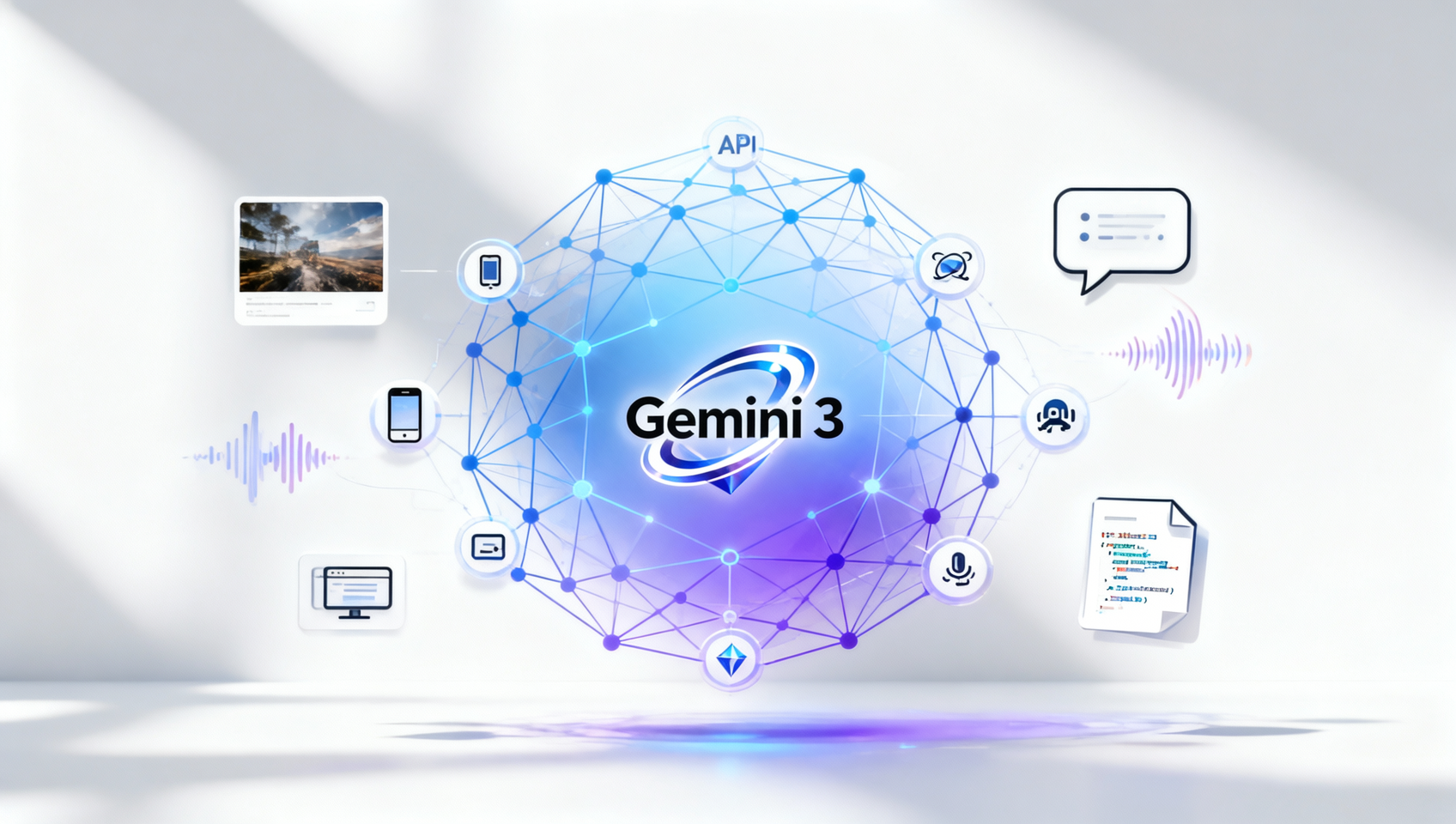
Gemini 3 usage guide: seven official access channels (AI Studio, Gemini App, Search AI Mode, Antigravity, CLI, API, Vertex AI) — from sign-up to image+text+audio workflows.
Gemini3 Team · July 18, 2026

A hands-on, 30-day review of Gemini 3 Pro on MidassAI Chat — speed, reasoning depth, coding accuracy, writing fluency, and real-world workflow integration.
Gemini3 Team · July 18, 2026

A practical, step-by-step guide to customizing Gemini 3’s behavior, memory, and integrations—no coding required. Optimized for real-world workflows.
gemini-3-personalization 5 min read

Learn how to use Gemini 3.1 Pro on MidassAI Chat for multi-step research, data synthesis, and project execution — with concrete prompts, timing benchmarks, and failure recovery tactics.
gemini-3-1-pro 5 min read

Gemini 3 on MidassAI Chat redefines search—deeper intent understanding, dynamic UI, and reasoning-powered results. Try it now.
gemini-3 5 min read
Open MidassAI Chat, choose Gemini 3, and try a real task — summarize a doc, debug code, or plan a trip.
Start Chatting Now